Computing
Intent
At Hiltingbury Infant School, we recognise that technology is an integral part of modern life and is continually evolving. Through our vision to Explore, Belong and Grow, we aim to develop confident, responsible and capable digital learners who are equipped with the knowledge, skills and understanding needed to thrive in an increasingly digital world.
We want children to explore a range of technologies through engaging and meaningful experiences that foster curiosity, creativity and problem-solving. We ensure that all pupils belong within our digital community by placing digital literacy and online safety at the heart of our curriculum, enabling children to use technology safely, respectfully and responsibly. We support children to grow as independent learners by developing the confidence and competence to use technology effectively across the curriculum and in everyday life.
Our curriculum is designed to fulfil the aims of the National Curriculum by providing children with the foundations of computer science, digital literacy and information technology, preparing them for the next stage of their education and the opportunities and challenges of the future.
Implementation
Computing is taught through a progressive curriculum that builds knowledge and skills over time. Children participate in dedicated computing lessons where they learn key concepts within computer science, information technology and digital literacy. Learning is carefully sequenced to enable pupils to build on prior knowledge and develop increasingly sophisticated skills.
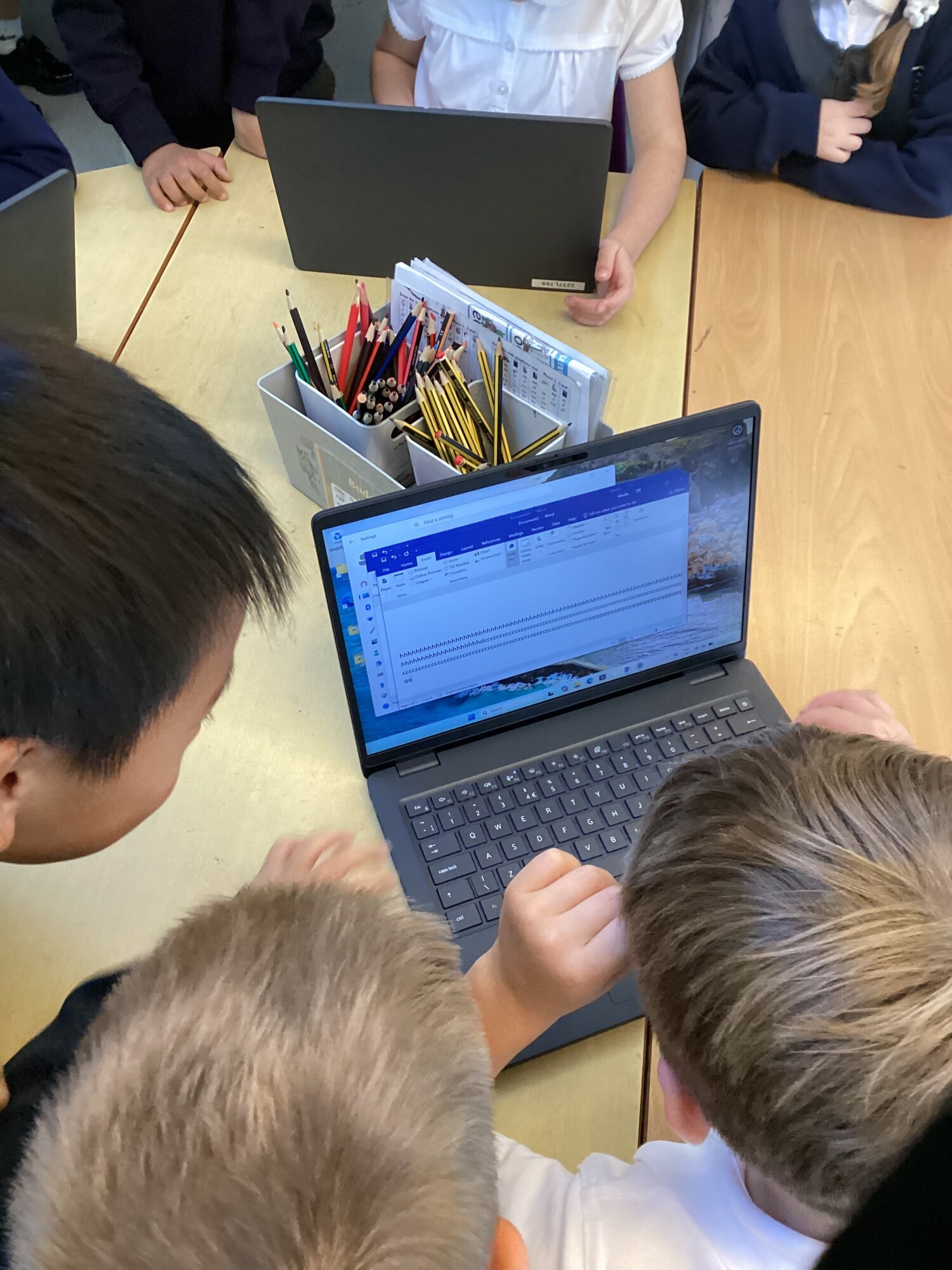
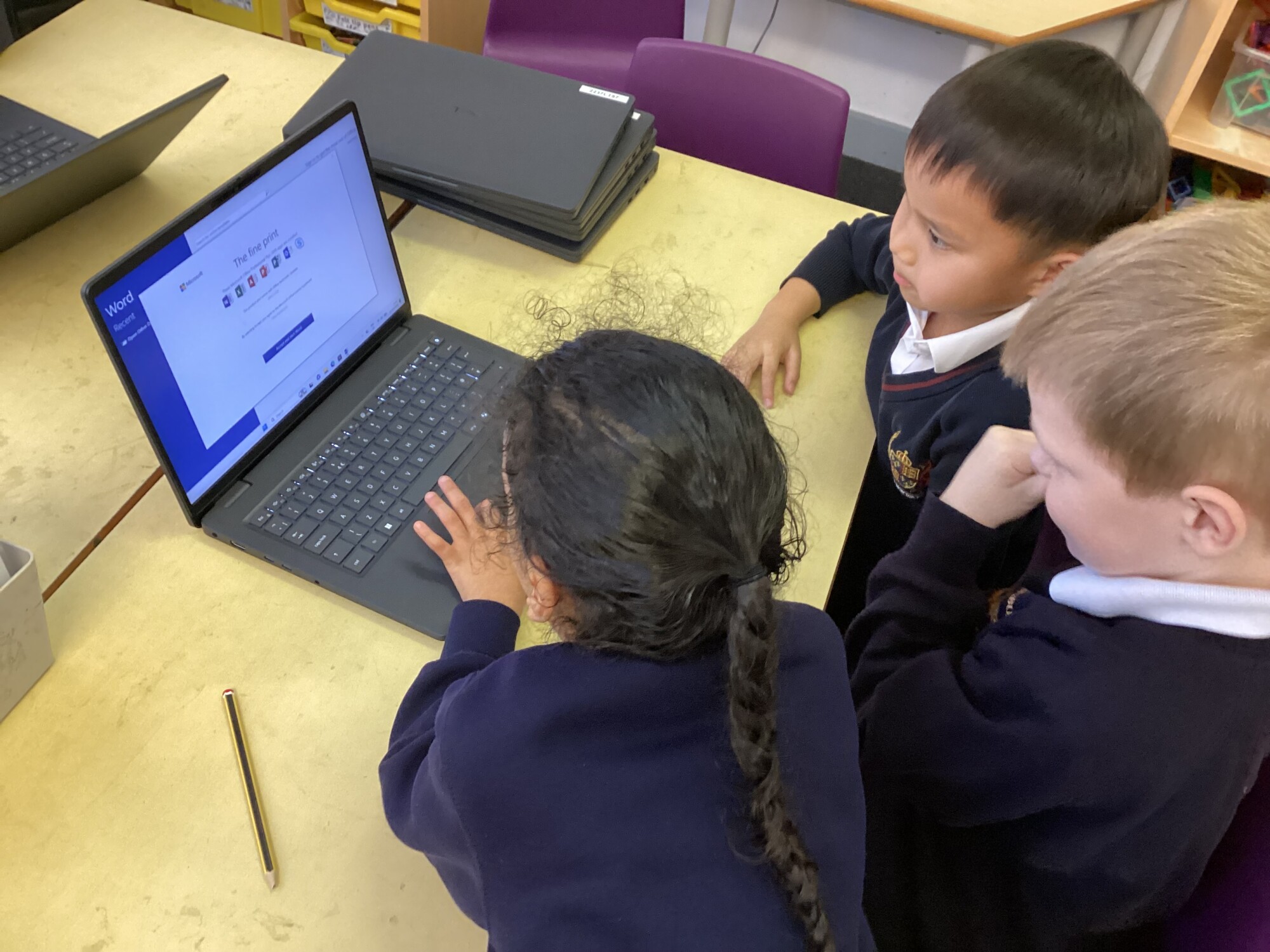
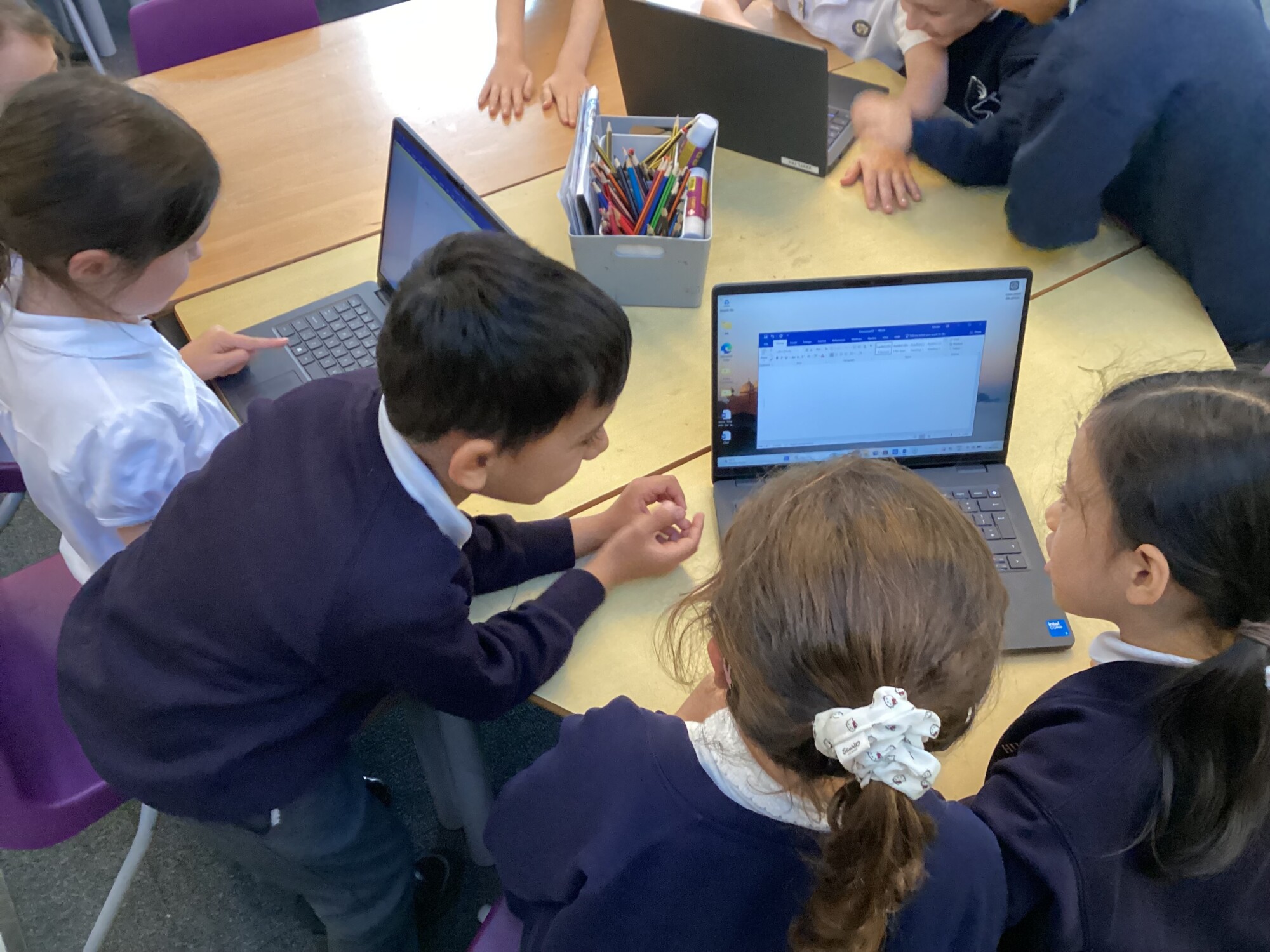
Pupils explore a variety of technologies and digital tools through practical, hands-on experiences. They develop computational thinking through activities that involve problem-solving, prediction, sequencing and programming. Technology is also used purposefully across the wider curriculum to enhance learning, communication, creativity and presentation.
Online safety is embedded throughout the curriculum and revisited regularly to ensure children understand how to stay safe online, manage risks and demonstrate respectful digital behaviours. Teachers provide opportunities for children to create, investigate, collaborate and communicate using technology, helping them to see its relevance in both school and everyday life.
Impact
Children leave Hiltingbury Infant School as confident, capable and responsible users of technology. They demonstrate an age-appropriate understanding of computer science concepts, digital literacy and the purposeful use of technology. Pupils are able to apply their
computing skills across a range of contexts, showing creativity, resilience and problem-solving when using digital tools.
Children understand how to keep themselves and others safe online and can talk confidently about responsible digital behaviours. They are engaged in computing, enjoy exploring technology and show increasing independence when using digital devices to support their learning.
As a result, pupils are well prepared for the next stage of their education, with the foundations needed to participate successfully and safely in an ever-changing digital world.
Assessment
Assessment is an integral part of the teaching and learning process in computing at Hiltingbury Infant School. Staff use assessment for learning strategies throughout lessons to identify pupils' understanding, address misconceptions and adapt teaching to meet the needs of all learners. Teachers assess children's knowledge, skills and application of computing through observation, discussion, practical activities and outcomes produced during lessons. Progress is monitored against age-related expectations and the progression of skills within the curriculum. Subject leadership monitoring includes lesson visits, pupil voice, work scrutiny, planning reviews and discussions with staff to evaluate the quality of teaching and learning. These approaches help to ensure that computing is taught consistently across the school, that children are making good progress and that the curriculum continues to meet the needs of all learners.
SEND and Inclusion
At Hiltingbury Infant School, we believe that all children should have the opportunity to succeed in computing and to feel valued within our digital community. Computing lessons are carefully planned to be inclusive and accessible for all learners. Teachers adapt learning through appropriate scaffolding, modelling, visual supports, practical activities and the use of assistive technologies where appropriate. Activities are designed to provide suitable challenge while enabling all children to access key learning and experience success. Through high-quality teaching, targeted support and a focus on participation, we ensure that every child can develop confidence, independence and enjoyment in computing. By fostering an inclusive environment where all pupils can explore, belong and grow, we enable every child to make progress and develop the digital skills needed for future learning and everyday life.
Key Vocabulary
| Technology | Things that help us do jobs, such as computers, tablets and cameras. |
| Computer | An electronic device that helps us learn, create and solve problems. |
| Tablet | A touchscreen device that we can use without fingers. |
| Mouse | A tool used to move and click on items on a computer screen. |
| Program | A set of instructions that tells a computer what to do. |
| Instruction | A command or direction that tells someone or something what to do. |
| Robot | A machine that can follow instructions. |
| Online | Using the internet to access information or communicate. |
| Internet | A network that connects computers and devices around the world. |
| Algorithm | A set of instructions that are followed in a specific order. |
| Debug | To find and fix a mistake in a program. |
| Sequence | The correct order of instructions. |
| Data | Information that is collected and stored. |
| Digital | Something that uses computer technology. |
| Device | A piece of technology, such as a laptop or tablet. |
| Online Safety | Knowing how to stay safe and make good choices when using technology. |
| Website | A page or group of pages that can be viewed on the internet. |
| Information Technology | Using computers and technology to create, organise and share information. |
| Coding | Writing instructions for a computer or device to follow. |
| Digital Content | Information created using technology, such as pictures, videos or text. |
Useful websites
BBC Bitesize
Simple videos, games and activities linked to the primary computing curriculum.
Excellent for introducing coding, algorithms and digital literacy.
https://www.bbc.co.uk/bitesize/subjects/zsbfb9q
ScratchJr
A free coding app designed for children aged 5-7.
Children create simple stories, animations and games using drag-and-drop blocks.